
AWS Cost Optimization
Take back control of your cloud spend: every saving is identified, quantified and applied without hurting performance
This is for you if...
How it works
- Billing accessRead-only access to Cost Explorer and cost & usage reports
- AnalysisBreakdown by service, project and environment; detection of idle or oversized resources
- Quantified leversRightsizing, off-hours scheduling, Savings Plans, S3 lifecycle policies, Graviton instances...
- ImplementationApproved savings applied safely, with no risk to production
- GuardrailsBudgets, alerts, tagging strategy and a dashboard to stay on track
What you get
Cost analysis
Where your budget goes, service by service
Quantified savings
Each lever with its estimated monthly saving
Budgets & alerts
You're warned before overspending, not after
Dashboard
Simple monthly tracking of your spend
Two options, clear prices
FinOps Diagnostic
Full analysis and a list of quantified savings, presented on a video call
Implementation
Approved savings applied, plus budgets, alerts and tagging set up
 Free PDF
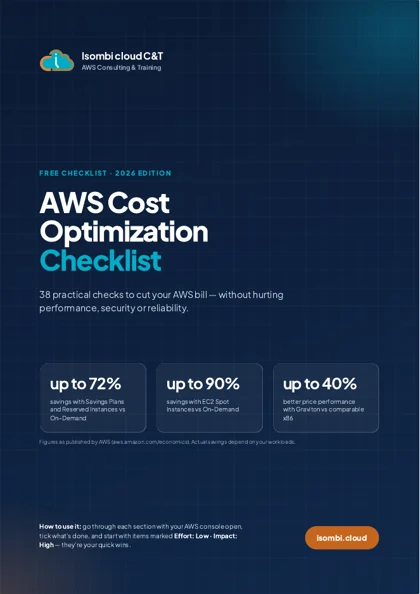
The AWS Cost Optimization Checklist
38 practical checks to cut your AWS bill without hurting performance - the same list we use in our FinOps diagnostics
- Compute, storage, databases, networking, logs
- Effort and impact rating for every item
- Quick wins you can apply this week
You may be wondering...
How much can I save?
It depends on your environment: the diagnostic quantifies every possible saving before you decide anything
Is there a risk to performance?
Every change is validated with you, tested and reversible. The goal is to pay the right price, not to degrade service
What happens next?
The AWS Expert on Demand plan includes a monthly cost review so your bill doesn't drift again
Our other services
Let's talk about your AWS project
A free, no-commitment 30-minute video call to understand your needs and tell you honestly whether - and how - we can help